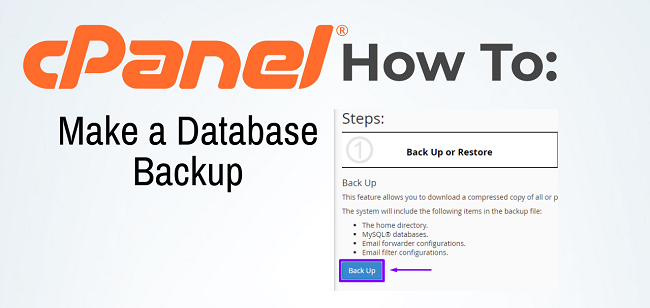
Taking a Database Backup in cPanel is an important step to ensure that you can restore your website or data in case of an issue. Here’s a step-by-step guide to back up your database using cPanel
Table of Contents
Steps to Take Database Backup
To take a database backup in cPanel hosting, follow these steps:
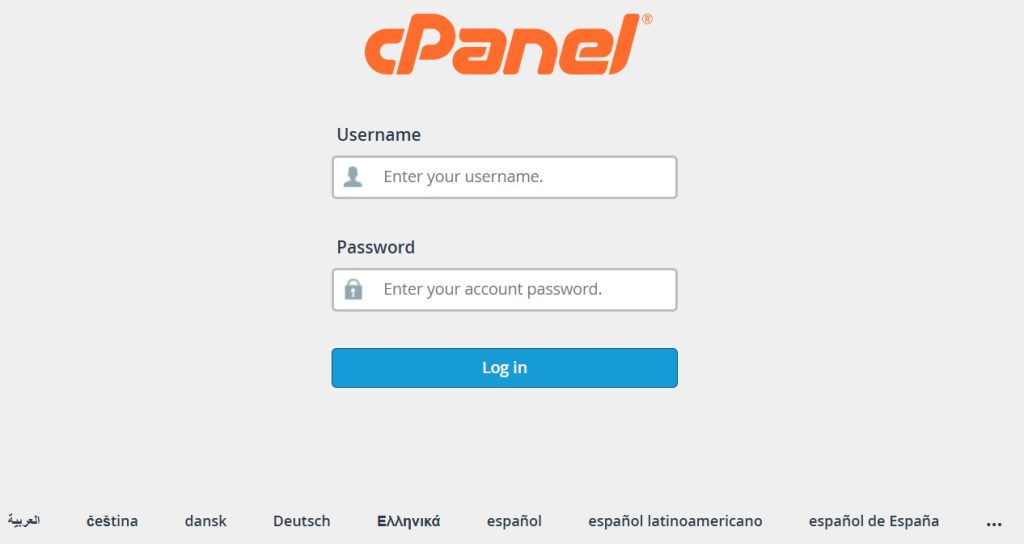
1. Log into cPanel
- Go to your domain’s cPanel login page (usually
yourdomain.com/cpanel) and enter your credentials.
2. Access the “Backup” Tool
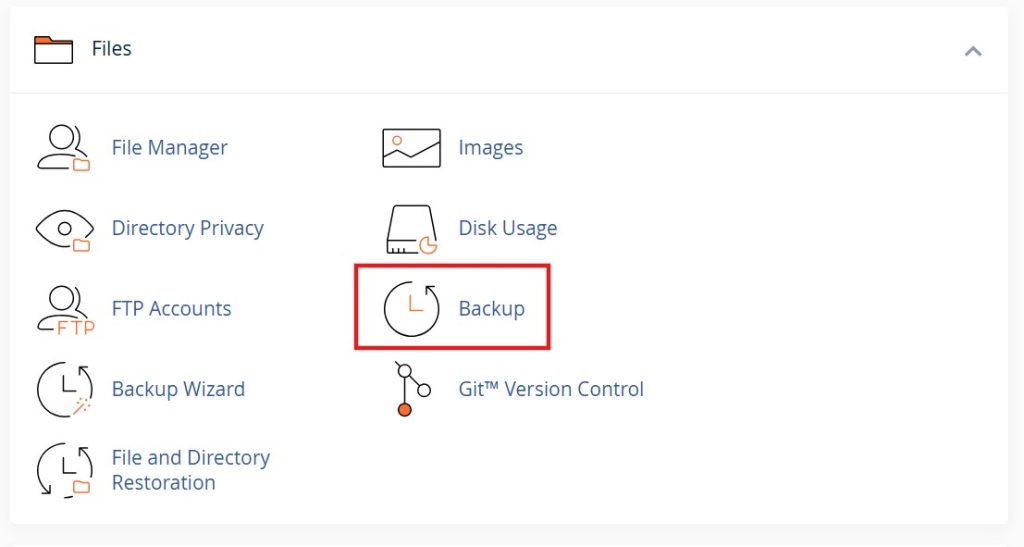
- Scroll down to the “Files” section and click on “Backup”.
3. Download a MySQL Database Backup
- In the “Download a MySQL Database Backup” section, you will see a list of your databases.
- Click on the database name that you want to back up. This will download a
.sqlfile (or.gzfile if compressed) to your computer.

4. Alternatively, Use “phpMyAdmin” for Database Backup
- Scroll down to the “Databases” section and click on “phpMyAdmin”.
- In phpMyAdmin, select the database you want to back up from the left sidebar.
- Click on the “Export” tab.
- Export Method: Choose either:
- Quick – Exports all tables in a simple format.
- Custom – Allows you to select specific tables and additional export options (for advanced users).
- Export Method: Choose either:
- Choose the “Format” as SQL.
- Click “Go”, and the backup will be downloaded.
That’s it! You now have a backup of your database.
Conclusion
Taking a database backup in cPanel is straightforward. You can use either the Backup tool for a quick download or phpMyAdmin for more customization. Both methods allow you to securely save your database as an .sql file, ensuring that your data is safely backed up for future use.
Author

admin@webhostingmumbai.net.in
Related Posts

Email Aliases in Web-Hosting
What is email aliases ? Email aliases are alternative email addresses that redirect to a primary email account. They allow you to...
Read out all
What is a content delivery network (CDN)? | How do CDNs work?
A Content Delivery Network (CDN) is a system of distributed servers strategically placed across different geographic locations to deliver content, such as...
Read out all
Creating and Managing Hosting Packages in WHM
How to Create and Manage Packages in WHM Control Panel Web Host Manager (WHM) is a powerful tool used by web hosting...
Read out all
Activating Free SSL Certificates in cPanel: A Quick Tutorial
Enabling free SSL in cPanel can be done through AutoSSL, which is a feature provided by cPanel that automatically installs and renews...
Read out all
Fedora OS for Web Servers: A Cutting-Edge Platform for Modern Web Hosting
Fedora OS Fedora OS is a popular, open-source Linux distribution known for its cutting-edge features and frequent updates. While Fedora is often...
Read out all
MongoDB in Web Hosting: Scalability, Flexibility, and Performance
What is MongoDB ? MongoDB is a NoSQL, document-oriented database used in web hosting for managing and storing large amounts of unstructured...
Read out all